

The Technology
The launch monitor we chose. And the ones we sell.
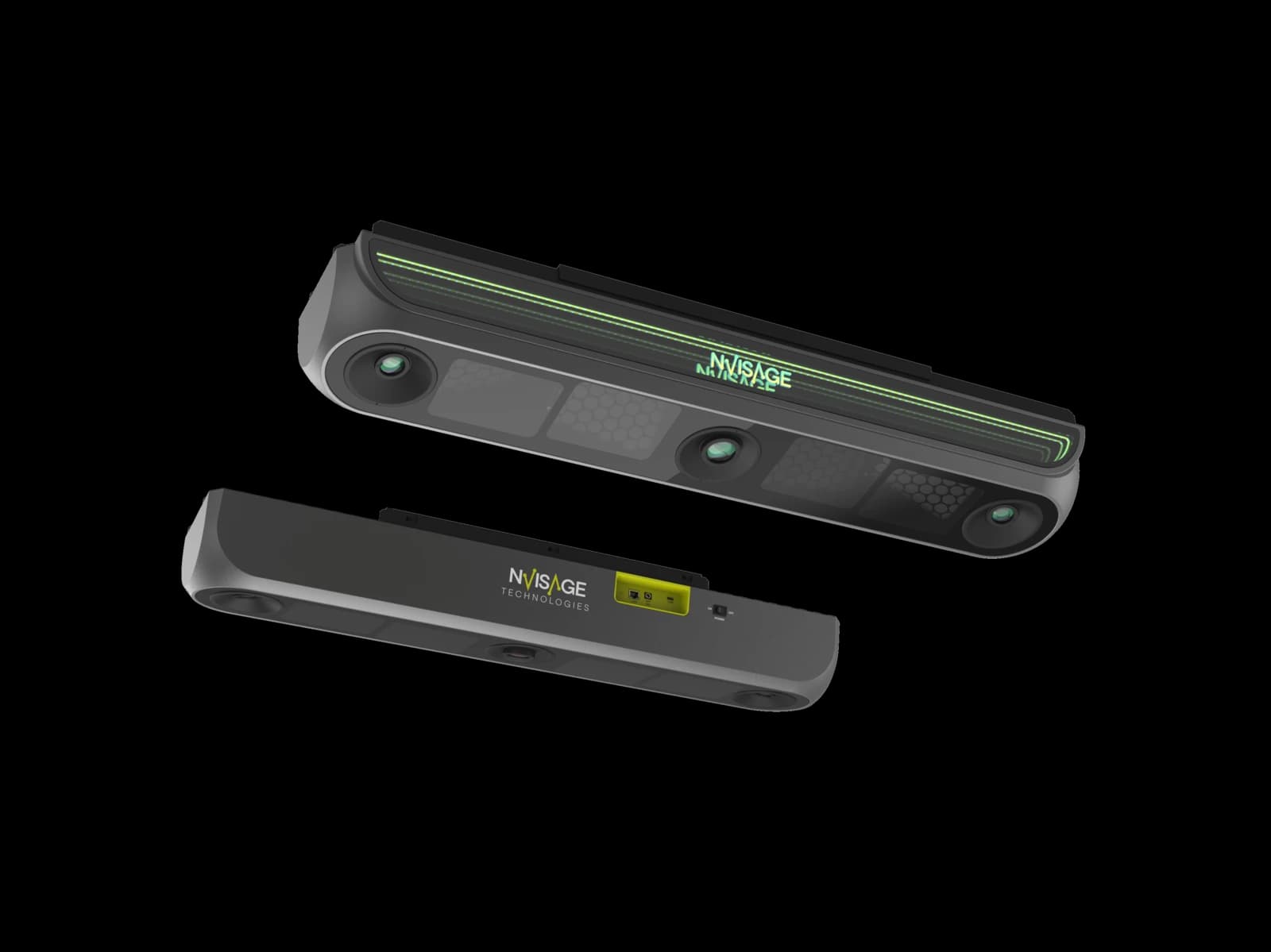
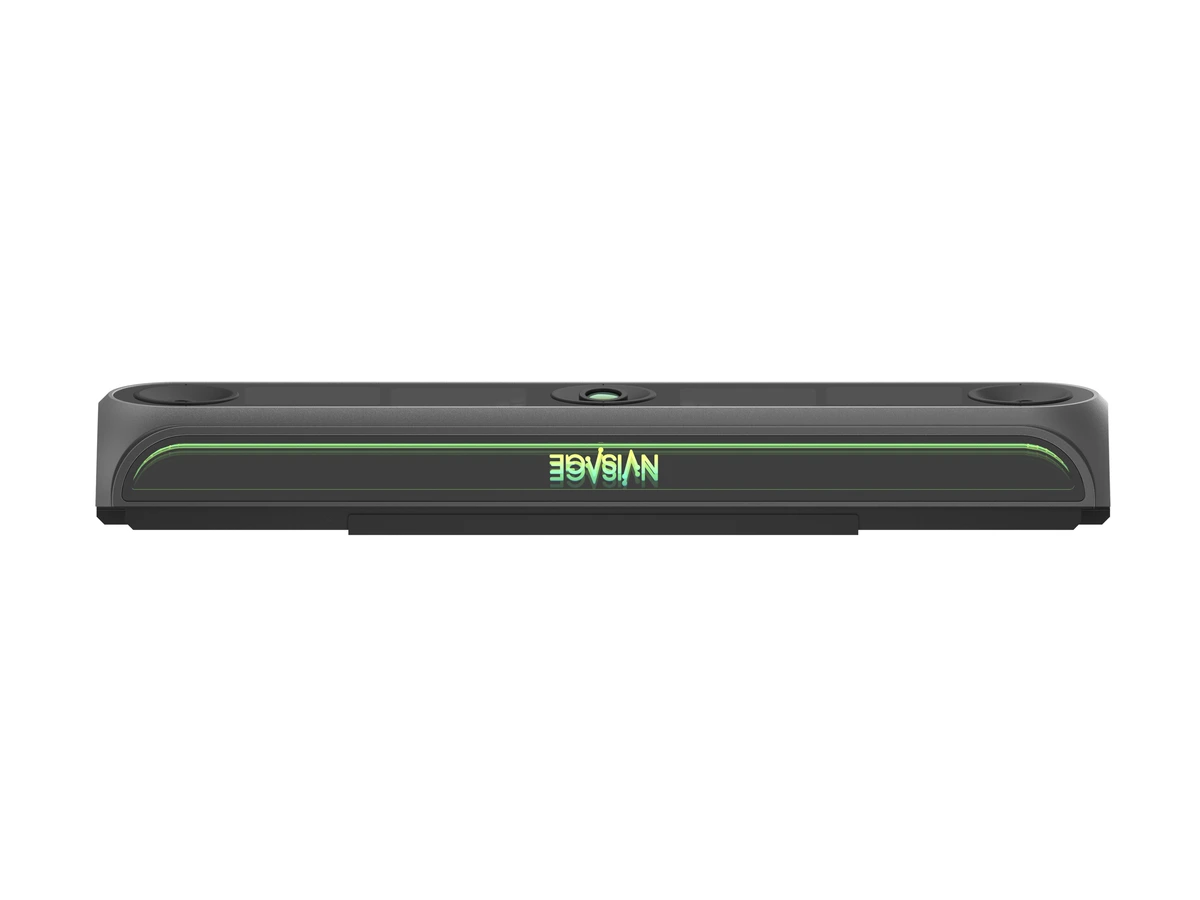
Every bay at That Golf Place runs on the NVISAGE N2 overhead launch monitor. We tested it, we use it, and we resell the full NVISAGE line as an authorized dealer.
The Decision
We tested before we chose.
Before bringing NVISAGE into TGP, we evaluated leading launch monitor systems through hands-on and controlled testing. That included repeatable robot testing designed to compare how consistently each system captured the same swing.
The N2's performance in our evaluation is what gave us the confidence to put the technology into our own bays. Operating it every day is what gave us the confidence to become an authorized NVISAGE dealer.
Overhead mounted
Nothing on the floor around the ball. Clean setup, clean swing.
Full ball and club data
Ball speed, spin, launch, club path, face angle, and more. Every swing.
GSPro and E6 compatible
Play the courses you want. Plus MURLIE, included free with every unit.
The NVISAGE Line
Four launch monitors. Pick one to explore.
Compare all four in the table below, or jump to a specific unit for the full spec sheet.
 At TGP
N2
NVISAGEPremium overhead
Best for. Serious home builds. Every bay at TGP.
Jump to full spec sheet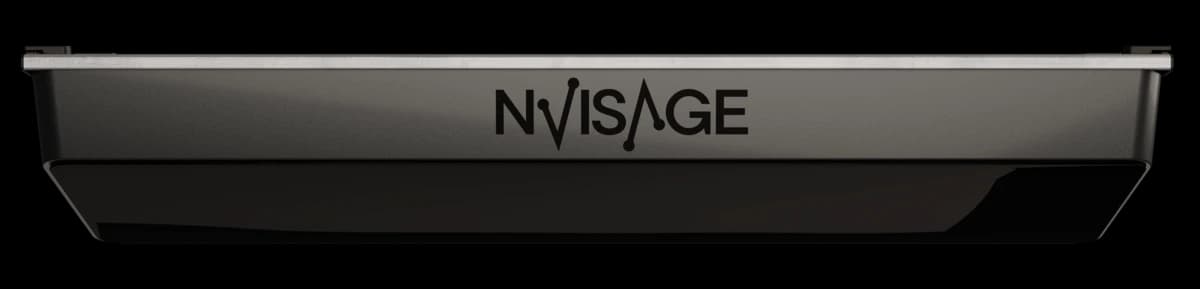
N1
NVISAGEAffordable overhead
Best for. Home simulators on a budget.
Jump to full spec sheet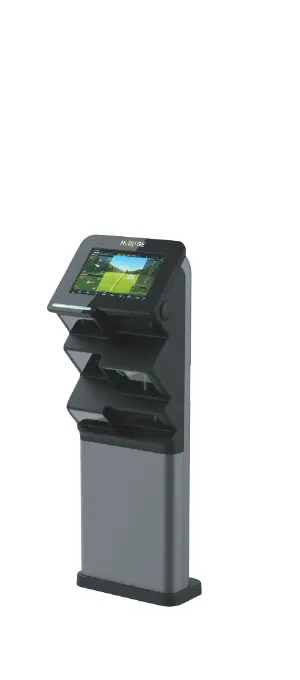
NEO-T
NVISAGEFloor-mounted, coaching
Best for. Coaching studios, ranges, teaching bays.
Jump to full spec sheet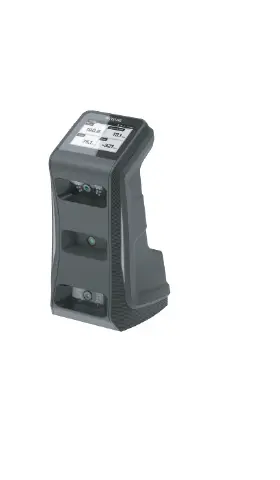
NEO-E
NVISAGEPortable, IP65
Best for. Practice anywhere. Fits in a bag.
Jump to full spec sheetCompare the Lineup
See every unit side by side.
The row that matters most for most buyers is 'Install height.' If your ceiling is under 9.2 feet, overhead units are out.
| Spec | N2 | N1 | NEO-T | NEO-E |
|---|---|---|---|---|
| Mount type | Overhead | Overhead | Floor-mounted | Portable |
| Cameras | Three | Two | Two | Two |
| Hitting zone | 32" × 24" | 16" × 20" | 16" × 16" | 10" × 13" |
| Install height | 9.2 – 9.8 ft | 9.2 – 9.8 ft | Floor unit | None (portable) |
| Ball type | Any ball | Marked ball | Any ball | Any ball |
| Ball & club data | Full | Full | Full | Full |
| Weight | 17.7 lb | 11.7 lb | 26.5 lb | 6.2 lb |
| Best for | Serious home + commercial | Budget home simulators | Coaching + ranges | Practice anywhere |
Scroll horizontally to see all four units.
Every unit ships with MURLIE preinstalled. All four are compatible with GSPro and E6 Connect.
The N2
At TGPPremium overhead. What powers TGP.
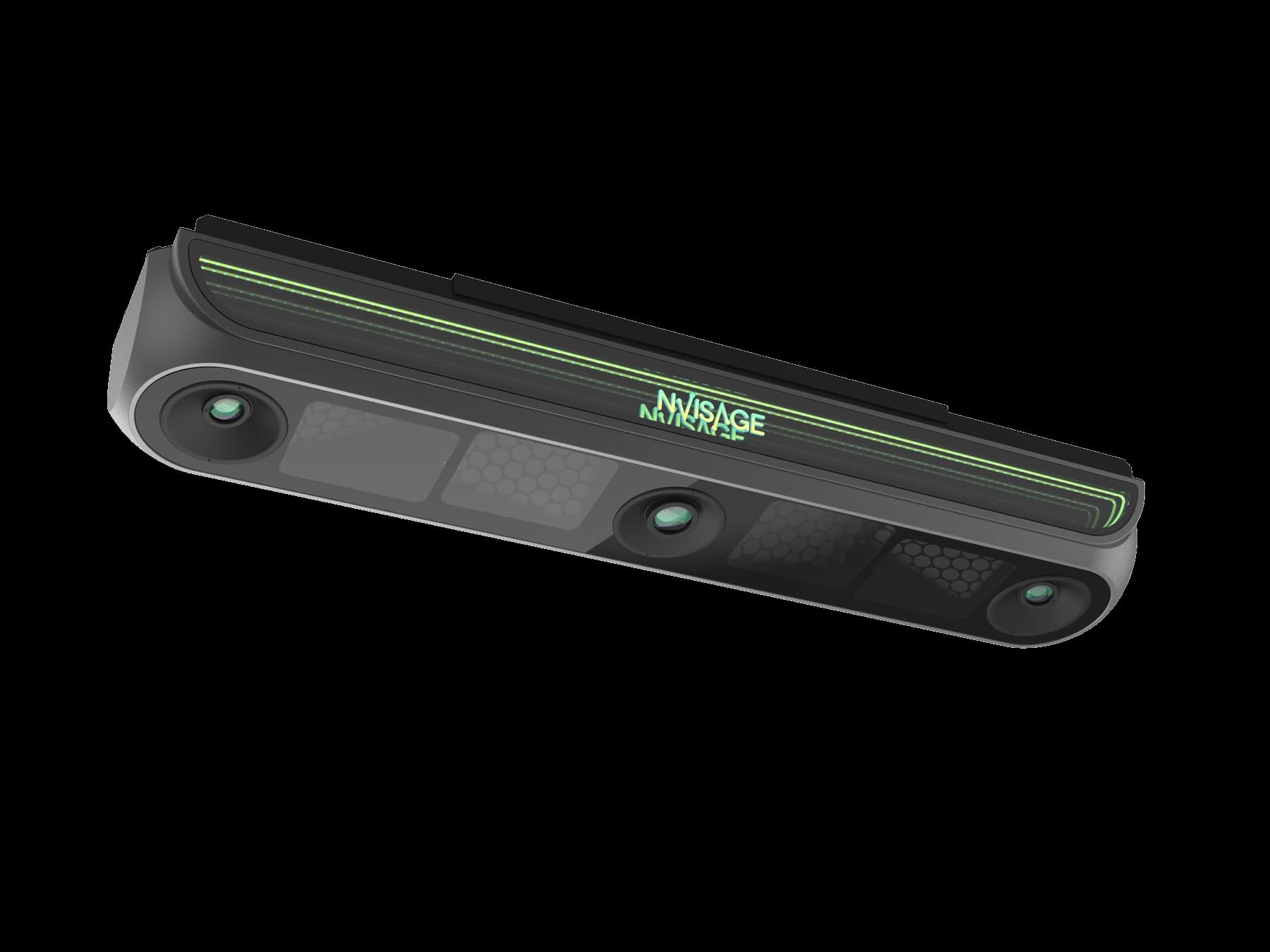
The N2 is what runs every bay at TGP. Three cameras, overhead mount, 32-inch by 24-inch hitting zone, full ball and club data on any ball. The launch monitor we tested, chose, and now sell direct.
- Mount type
- Overhead
- Cameras
- Three
- Hitting zone
- 32" × 24"
- Install height
- 9.2 – 9.8 ft
- Weight
- 17.7 lb
- Ball type
- Any ball
- Data captured
- Full ball + club
- Software
- MURLIE, GSPro, E6
Best for. Serious residential builds and commercial facilities. Full ball and club data on any ball with the widest hitting zone in the lineup.
The N1
Affordable overhead. Home-ready.
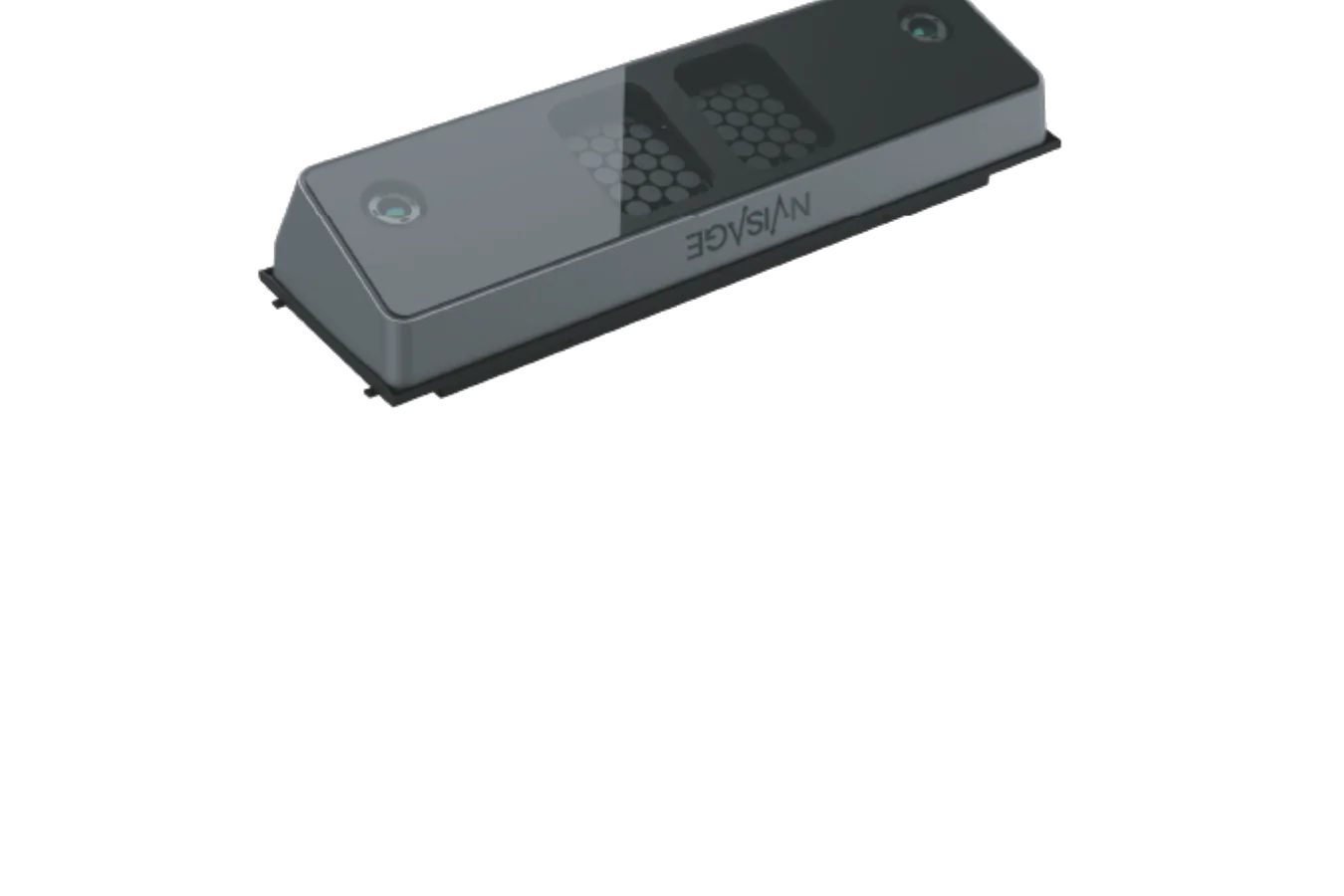
Overhead-mounted launch monitor built for residential bays. Marked ball only for shot data, but a real overhead system at a price that works for most home simulator budgets.
- Mount type
- Overhead
- Cameras
- Two
- Hitting zone
- 16" × 20"
- Install height
- 9.2 – 9.8 ft
- Weight
- 11.7 lb
- Ball type
- Marked ball
- Data captured
- Full ball + club
- Software
- MURLIE, GSPro, E6
Best for. Home simulators where overhead mount matters and the budget is real. Same install height as the N2 with a smaller hitting zone.
The NEO-T
Floor-mounted. Coaching and range ready.
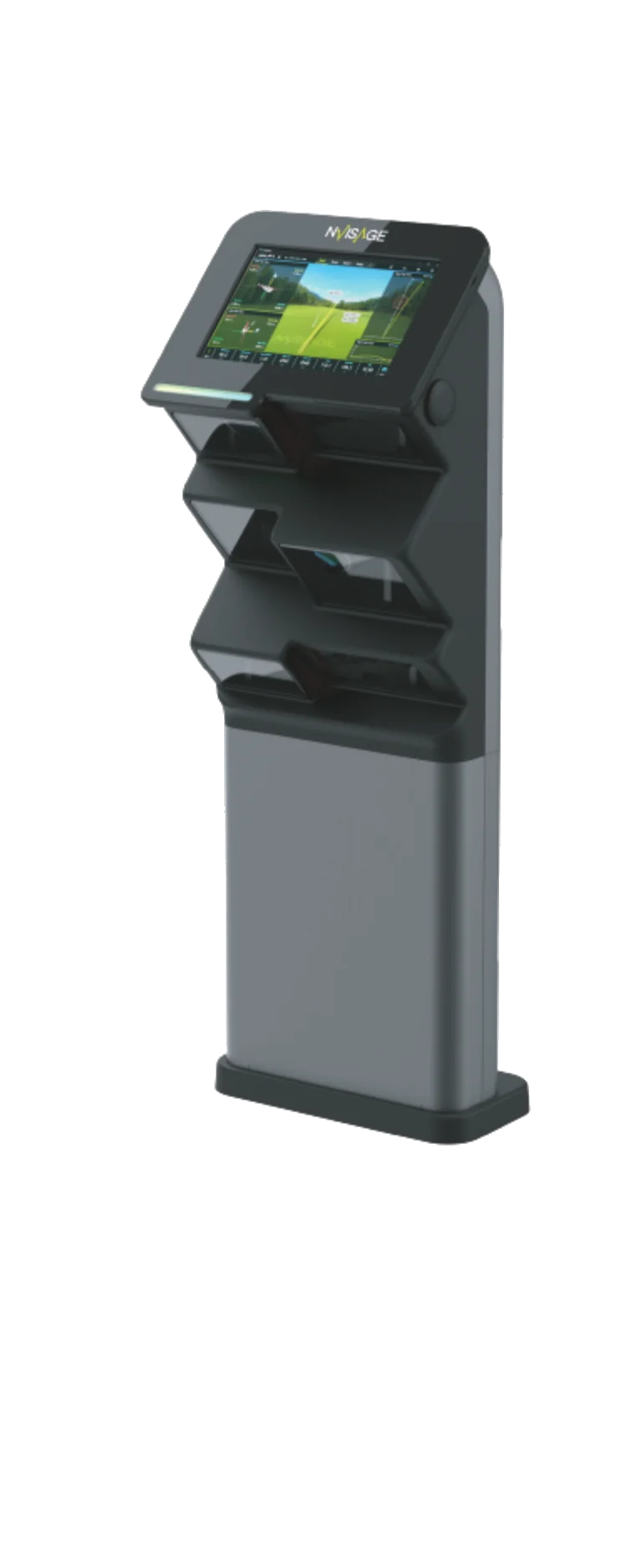
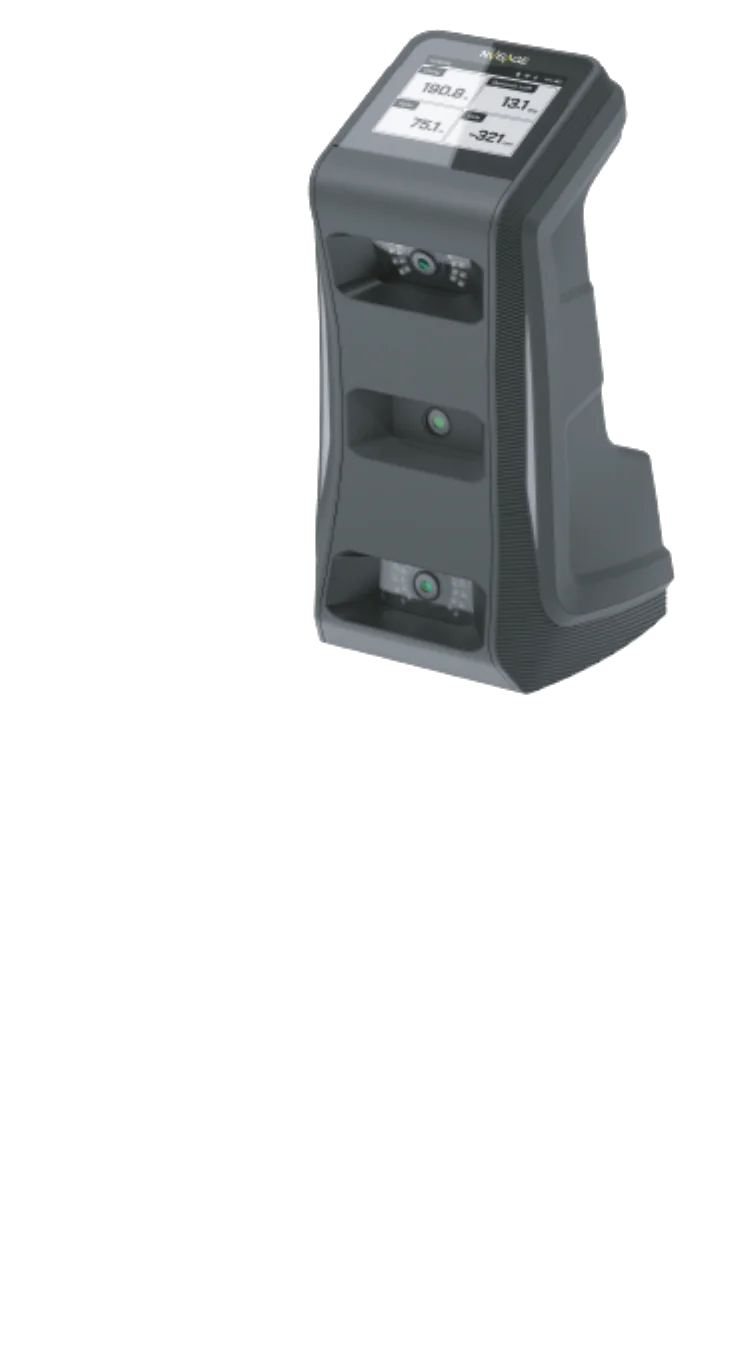
Floor-mounted launch monitor with a built-in 10.1-inch touchscreen. Purpose-built for driving ranges, teaching bays, coaching studios, and multi-station facilities where overhead install isn't an option.
- Mount type
- Floor-mounted
- Cameras
- Two
- Hitting zone
- 16" × 16"
- Display
- 10.1" touchscreen
- Weight
- 26.5 lb
- Ball type
- Any ball
- Connectivity
- GigE + Wi-Fi
- Software
- MURLIE, GSPro, E6
Best for. Coaching studios, driving ranges, and any facility where you cannot mount overhead. The built-in touchscreen means no separate PC monitor.
The NEO-E
At TGPPortable. Rugged. Range ready.
Rugged, IP65-rated portable launch monitor with a five-hour battery and a 4.3-inch touchscreen. Fits in a golf bag. For practice indoors, outdoors, and everywhere in between.
- Mount type
- Portable / floor-level
- Cameras
- Two
- Hitting zone
- 10" × 13"
- Display
- 4.3" touchscreen
- Weight
- 6.2 lb
- Battery
- Up to 5 hours
- Protection
- IP65 water + dust
- Software
- MURLIE, GSPro, E6
Best for. Golfers who practice in more than one place. Range work, backyard sessions, indoor bays, and travel. Small enough to bring anywhere.
The Software
MURLIE, included with every unit.
MURLIE is NVISAGE's proprietary golf software. Included free with every launch monitor, with 20 free courses through Murlie-X and full compatibility with GSPro, E6 Connect, and Apex.
In Use at TGP
Three bays. Three N2s.
The N2 isn't a demo unit sitting in a showroom. It's the launch monitor that runs your simulator session at TGP, calibrated once and ready every day across all three bays.
That means anyone considering NVISAGE doesn't have to decide from a product page or a YouTube video. You can come to the club, hit real shots on the N2, see the system working with GSPro and MURLIE, and then have a real conversation with us about equipment or a complete simulator solution.
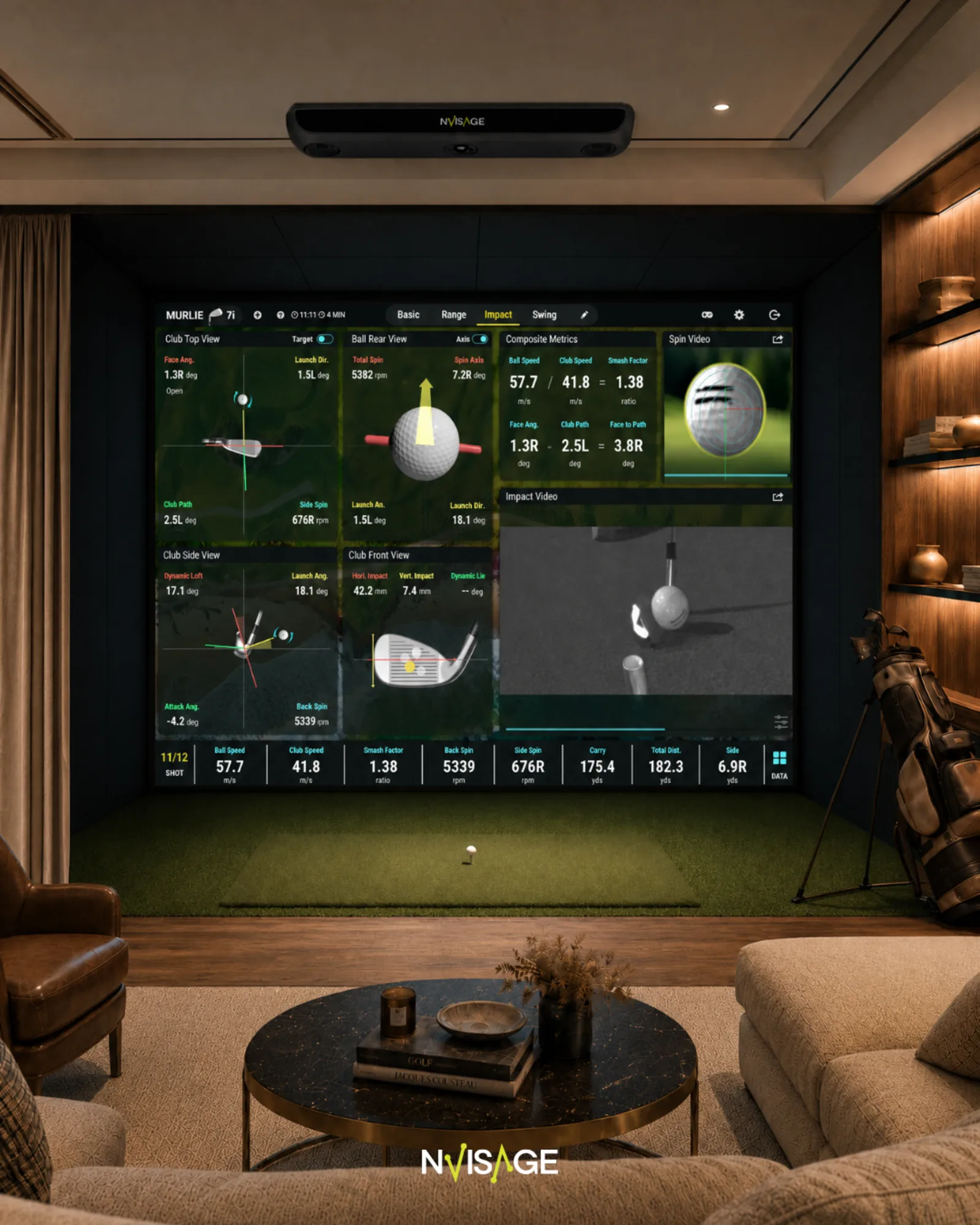
NVISAGE product photography. Facility photos will refresh once N2 installation is complete across all three TGP bays.
Bring NVISAGE Home
Two ways to work with us.
TGP is an authorized NVISAGE dealer. We design complete simulator solutions and resell NVISAGE equipment direct.
Build with TGP
For someone looking for a complete residential or commercial simulator solution. We handle the technology, software, and design decisions so the finished bay works from day one.
Shop NVISAGE
For someone primarily interested in purchasing NVISAGE equipment. Launch monitors, mounting kits, and accessories, sold direct through TGP.
Experience it at TGP
Swing on the N2. Then decide.
The best way to evaluate any launch monitor is to hit real shots on it. Contact us to schedule an NVISAGE demo, ask about equipment, or start a simulator conversation. We'll coordinate the visit personally.